HOW TO BOOK
(We are unable to accept any spreadsheets or written orders )
To book our items please follow this step by step manual:
Firstly, create a Wishlist
This can be done by simply heading to our Hire Catalogue and clicking on the item you would like to view. You will then see a heart button ♡
Click this or the “Add to Wishlist” button and adjust your required item quantities.
Secondly, submit your wishlist
Head over to your Wishlist then click “Submit Wishlist”. This will take you to a new page to fill out your contact, event and venue details. When complete, press submit.
You’re done!
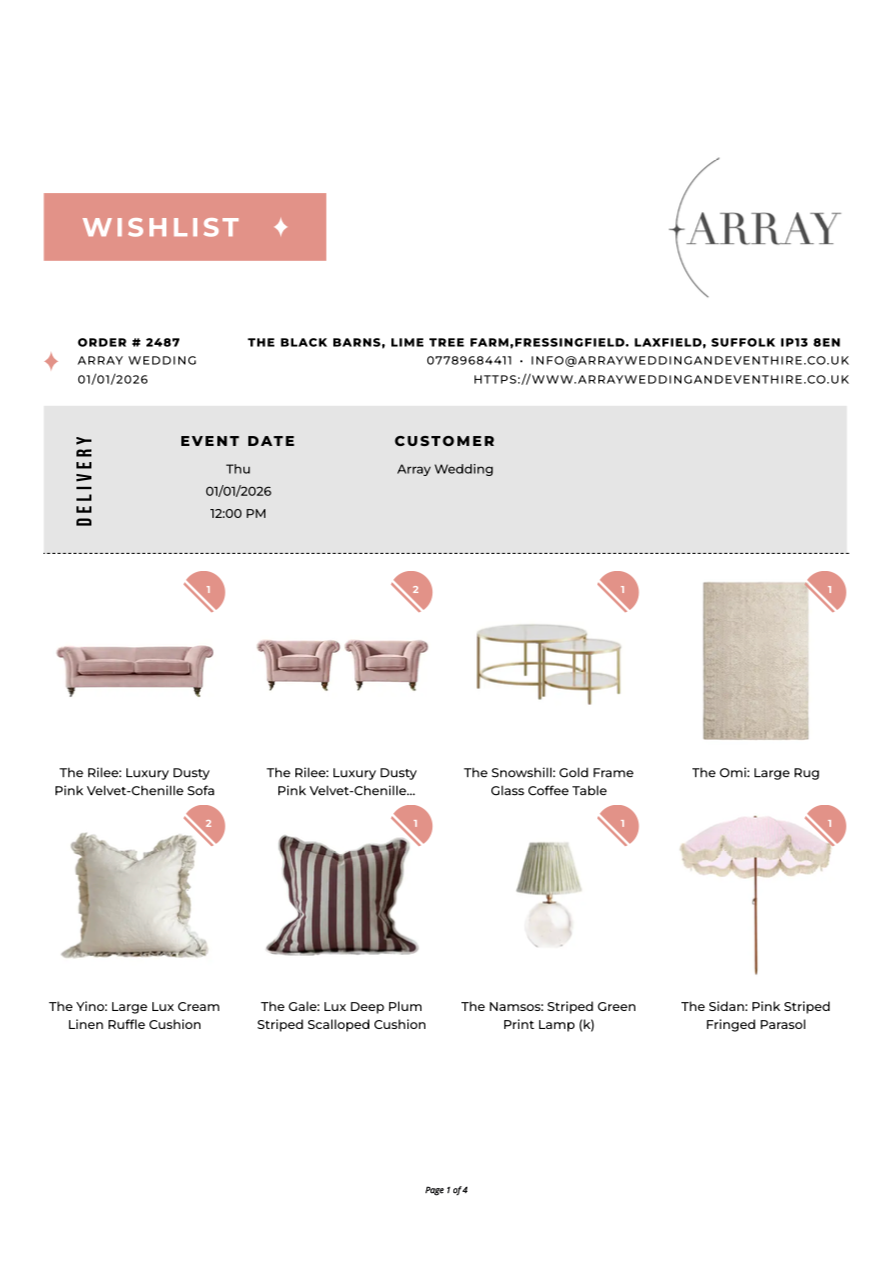
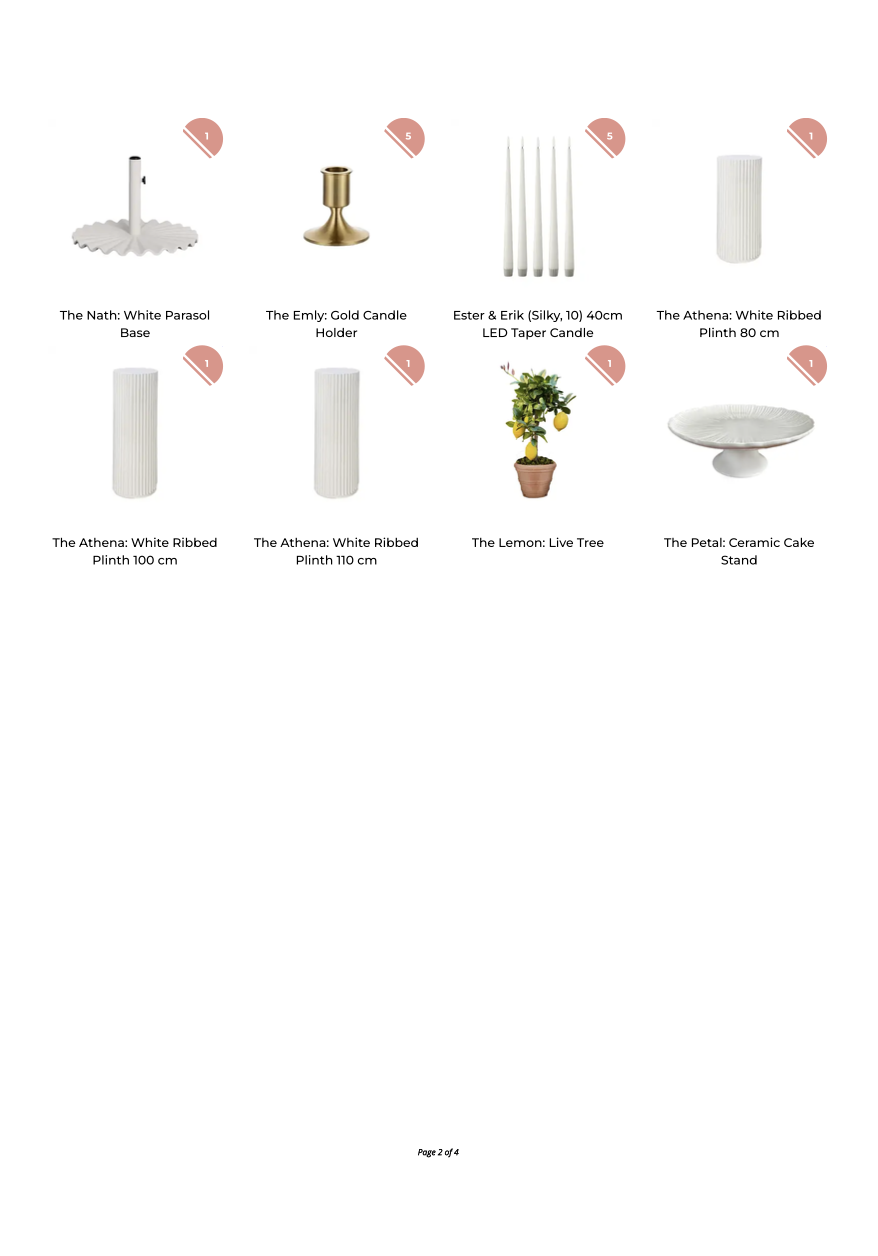
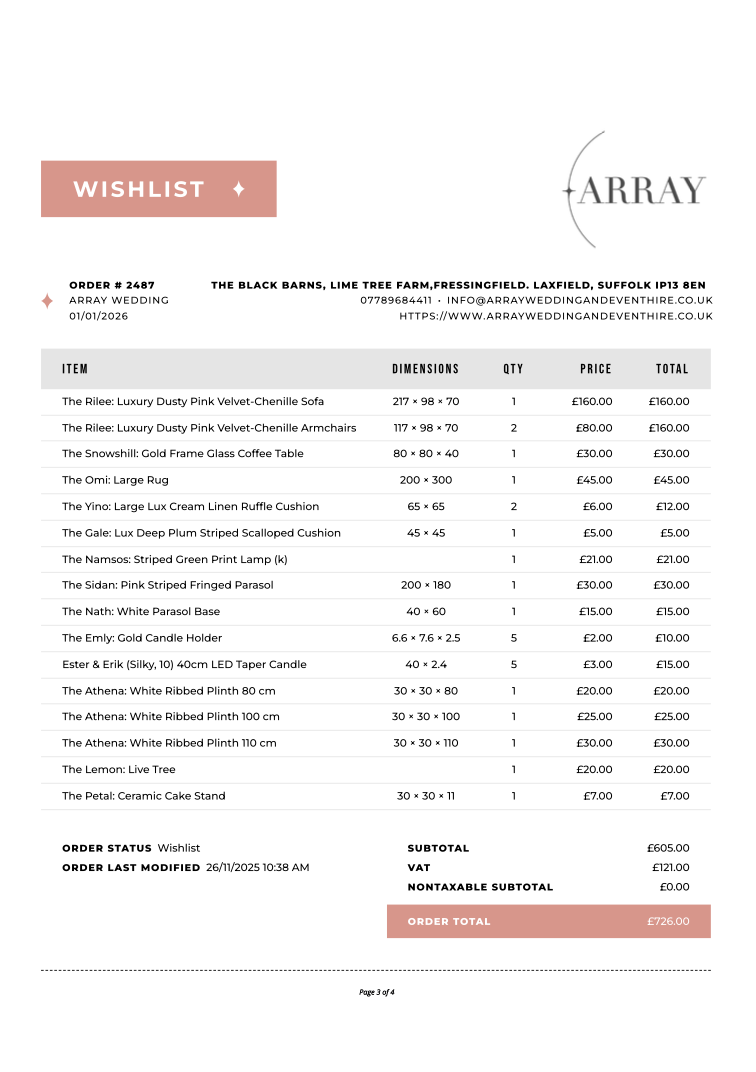
Wait for us to reply via email with our fully itemised Wishlist which includes images, descriptions, prices and quote.
Example Wishlist: